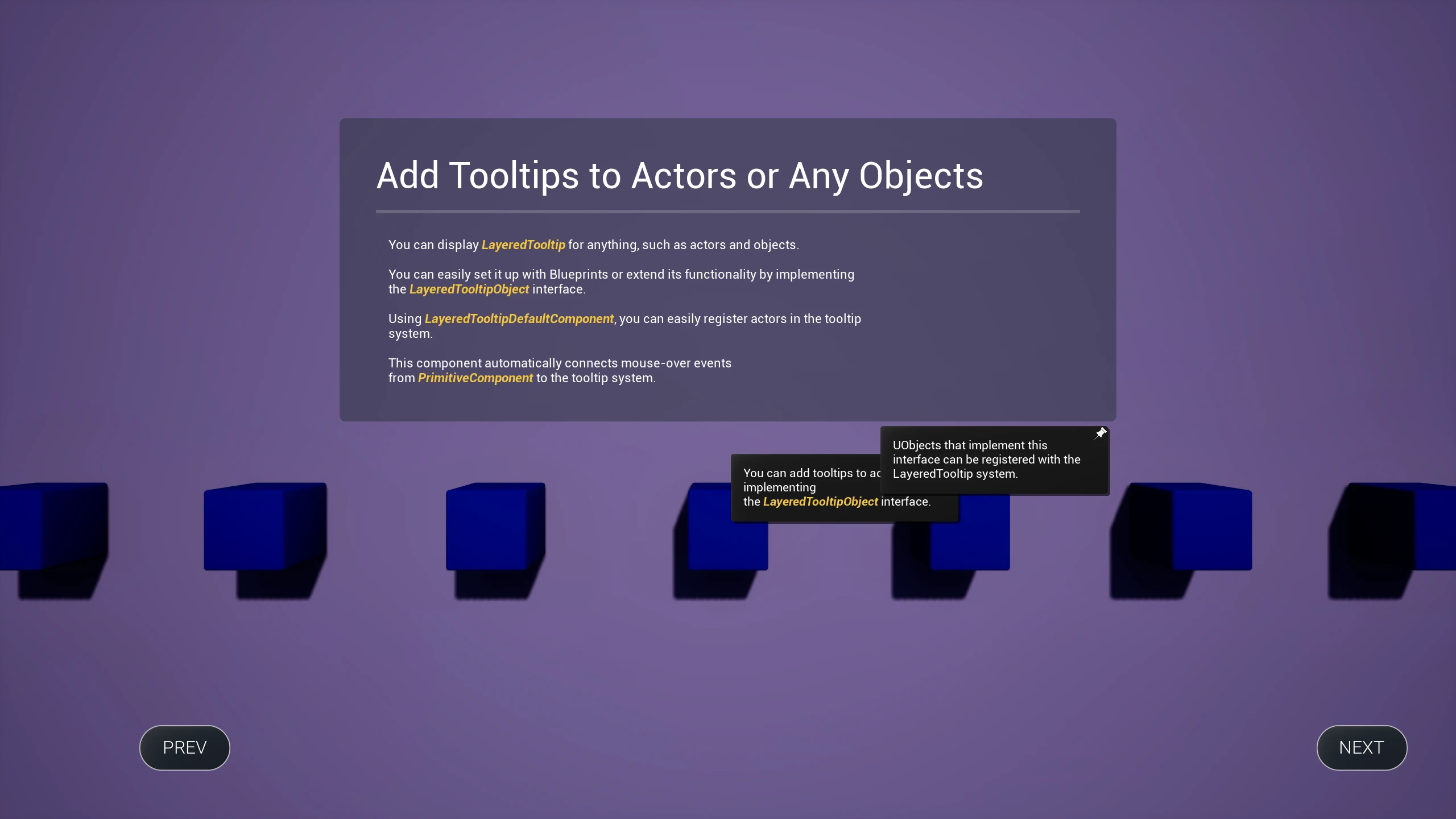
Registering Actors with the Tooltip System Using Dedicated Components
Add tooltip functionality to Actors without code using the
LayeredTooltipDefaultComponent.
Note: This component serves as a sample/reference implementation and may not satisfy all requirements for production game projects. For greater control, extend the implementation using C++ or Blueprints directly.
-
Create an Actor.

-
Add any
PrimitiveComponent. A Cube is used in this example. -
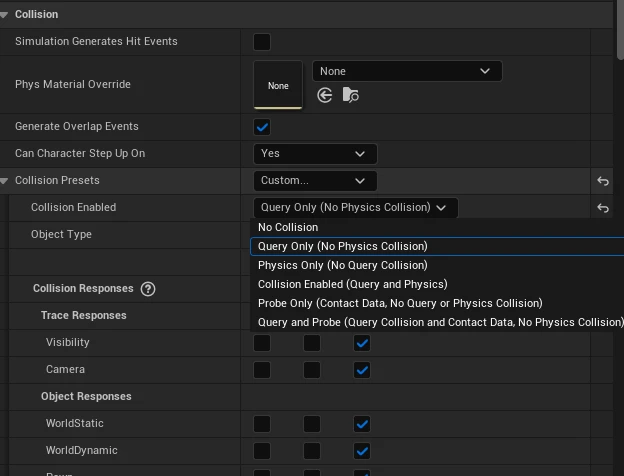
Ensure collision is enabled for the
PrimitiveComponent. Collision Query must be enabled for mouse-over detection.
- Add
LayeredTooltipDefaultComponentto the Actor.

This component automatically finds the Actor's first collision-enabled
PrimitiveComponentand handles mouse-over events.
- Select the component and configure tooltip information in the Details tab.

-
To use this functionality, the
PlayerControllermust havebEnableMouseOverEventsenabled.
-
The Actor now displays tooltips. Use the
bOverrideTooltipPositionInViewportflag to control tooltip positioning.